Automation ROI Worksheet: Free Template to Price Any Workflow
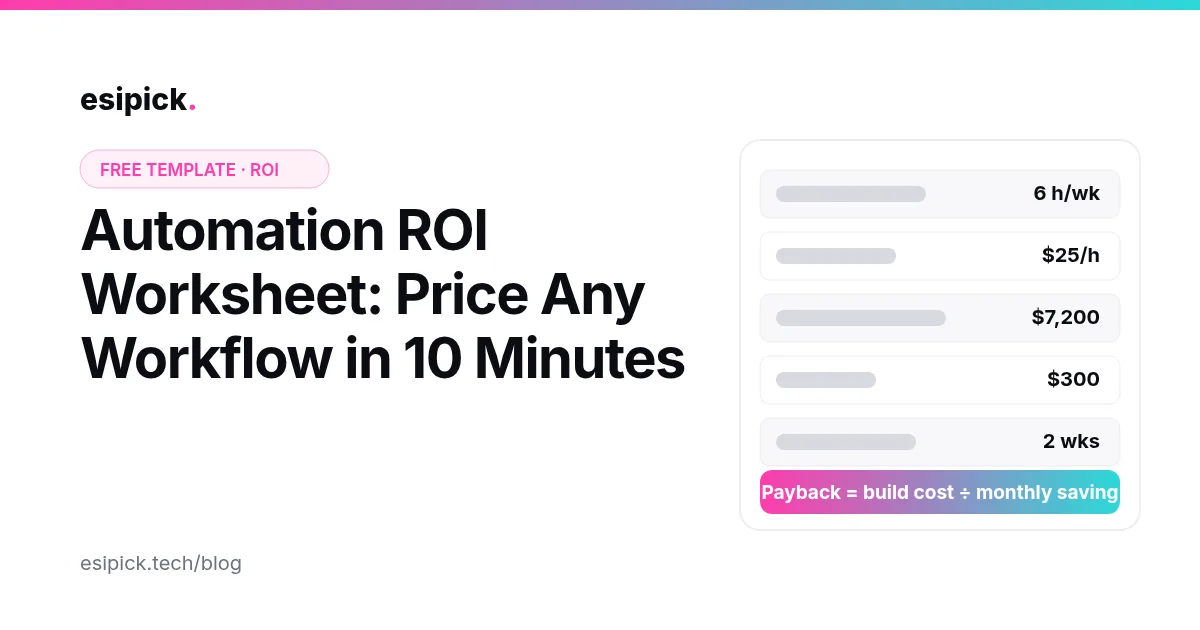
Most automation projects get approved or killed on a gut feeling. This free worksheet replaces the gut feeling with five numbers you can collect in about ten minutes. It tells you what a manual process costs you each year, what automating it costs, and how quickly the build pays for itself. Copy the table into a spreadsheet, fill in one row per process, and sort by payback.
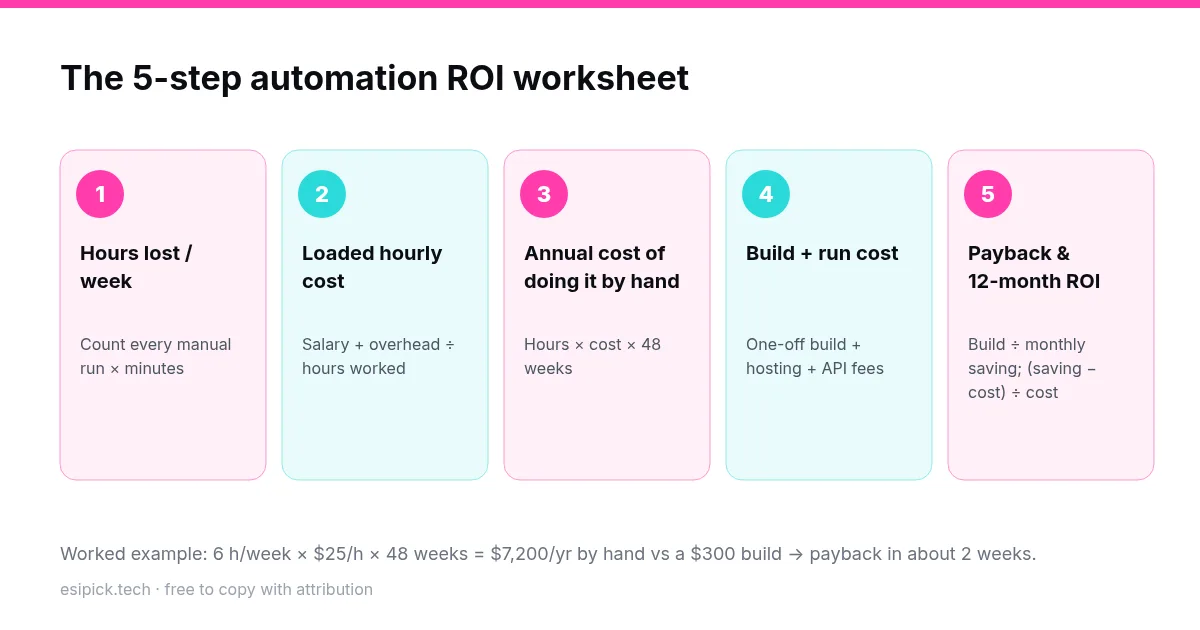
The worksheet
| Step | What to collect | Formula |
|---|---|---|
| 1. Hours lost per week | How many times the task runs each week, and the minutes per run, including fixing mistakes | runs × minutes ÷ 60 |
| 2. Loaded hourly cost | Salary plus overhead (taxes, tools, office), divided by hours actually worked | annual cost of the role ÷ ~1,800 hours |
| 3. Annual manual cost | What doing it by hand costs you each year | hours/week × hourly cost × 48 weeks |
| 4. Build + run cost | One-off build, plus monthly hosting, API and per-task fees for 12 months | build + (monthly run cost × 12) |
| 5. Payback and ROI | How fast it pays back, and the return over the first year | payback (months) = build ÷ (monthly saving − monthly run cost); ROI = (annual saving − 12-month cost) ÷ 12-month cost |
Worked example: invoice reminders
A finance assistant spends about 6 hours a week chasing unpaid invoices by email. Their loaded cost is $25 an hour.
- Annual manual cost: 6 × $25 × 48 = $7,200
- Build: a single n8n workflow that reads overdue invoices and sends staged reminders, about $300 as a one-off build
- Run cost: self-hosted n8n on a small VPS, roughly $5–10 a month
- Payback: $300 ÷ ($600 − $10) ≈ half a month
Not every process looks this good. That's the point of the worksheet: it shows you which ones do. If you want to build this exact workflow yourself, the step-by-step guide is in our invoice automation post.
Automation readiness check
A high ROI only matters if the process can actually be automated reliably. Score each process with one point for every "yes":
- It runs at least weekly, and the steps are the same each time.
- The inputs are digital (a form, an email, a spreadsheet, an API), not handwritten.
- The rules can be written down. If a human makes a judgment call, it fits in a few if/else branches or a classification step.
- Mistakes are cheap to catch: there's an alert, a review step, or an easy undo.
- The tools involved have an API or webhook, or n8n has a node for them.
Start with any process that scores 4–5 and has a payback under three months. Processes that score 2–3 usually need the process itself cleaned up before they're automated.
Hidden costs to include
- Per-task pricing. On per-task platforms, high-volume workflows can cost more each month than the hours they save. Self-hosted n8n avoids this. See n8n vs Zapier.
- Maintenance. APIs change. Budget roughly an hour a month per workflow, or build in error handling from the start (see n8n error handling).
- AI calls. If a step uses an LLM, multiply tokens per run by runs per month.
Use and share this worksheet
You're welcome to copy, adapt or republish this worksheet, including the diagram, as long as you credit Esipick with a link to this page. If you'd like us to fill it in with you for your own processes, a free 30-minute call is enough to rank your top five.
Want this automated for your business?
I build n8n workflows, WhatsApp automations, and AI pipelines — starting from $300. Most go live in under a week.
Get a Free Audit →